ARCHERY IT
From device to evidence.
Scroll through how Android Extractor turns the contents of a phone into a structured, verifiable case file.
Illustrative animation. It does not show a specific device model or real case data, and the exploded view is a metaphor: extraction never involves dismantling a phone. Skip the animation
-
01 — Device
The device holds the data.
Archery IT Android Extractor acquires data from devices running Android 9 to 16, with no root required, and organises it for forensic review in tactical, investigative, corporate and operational settings.
-
02 — Exploded view
Look beneath the surface.
What matters in an investigation is not the hardware but the information stored on it. This exploded view is a visual metaphor for examining a device and its contents: the software never opens or dismantles a phone.
-
03 — Storage
Find what matters.
Photos, video, downloads and account records sit in the device’s storage. Android Extractor runs on the examiner’s workstation, connects to the device and acquires that data together with the device’s own information and logs.
-
04 — Selection
Take everything, or only what you need.
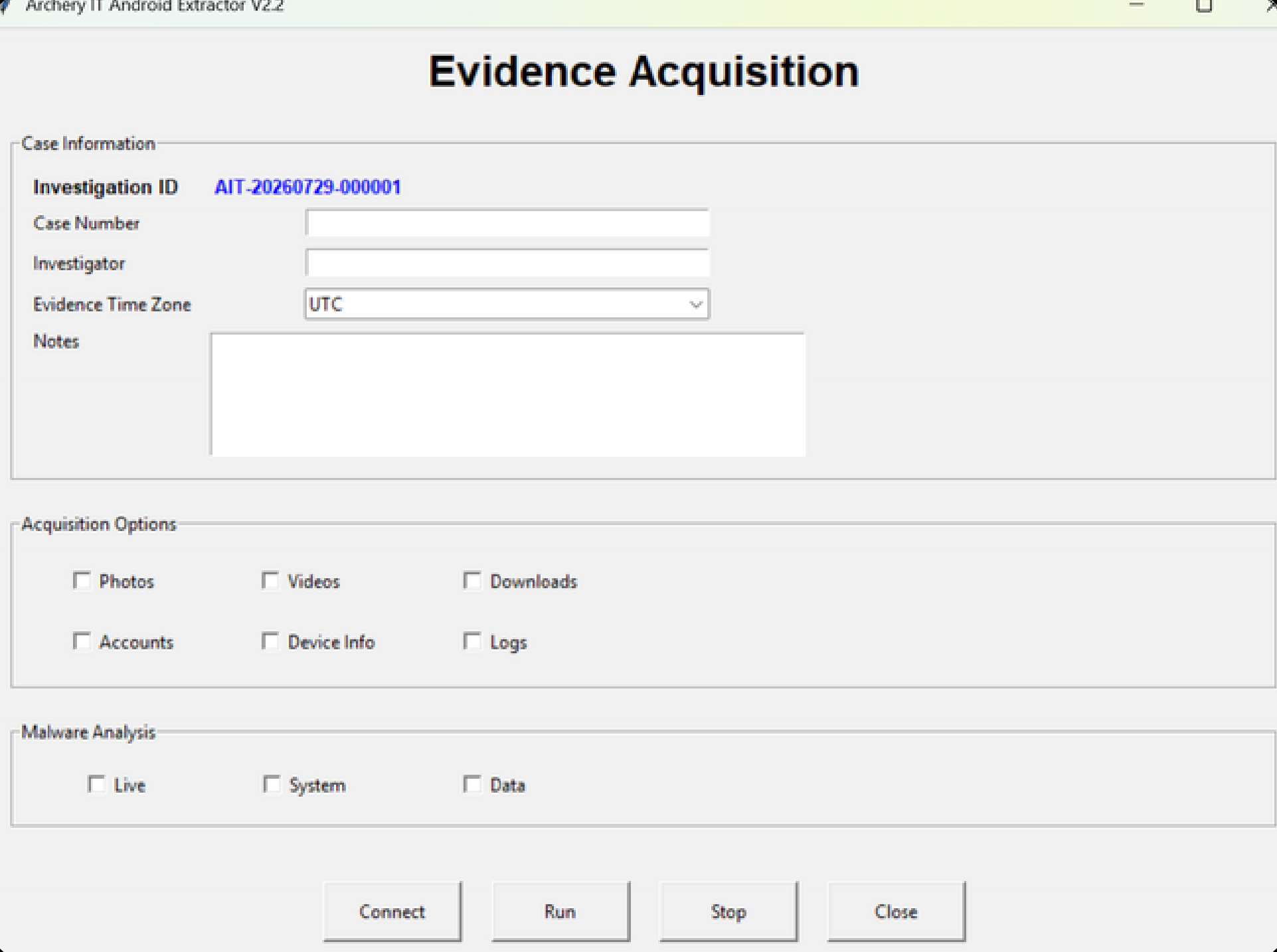
Run a ubiquitous, full-device extraction, or target the categories a case calls for: photos, video, downloads, accounts, device information and logs. Extraction workflows are configurable to each requirement.
-
05 — Acquisition
Acquired, organised, verified.
Each extraction creates a case folder named with the device identifier and the time of acquisition. Exported artefacts are indexed, and every file is listed in a manifest with its SHA-256 hash, so its integrity can be checked later.
-
06 — Case file
Structured case files within minutes.
Less time organising evidence, more time analysing it. Free training is included with six or more licences.